
The app
Practise and learn project management: one case a day, plus your courses
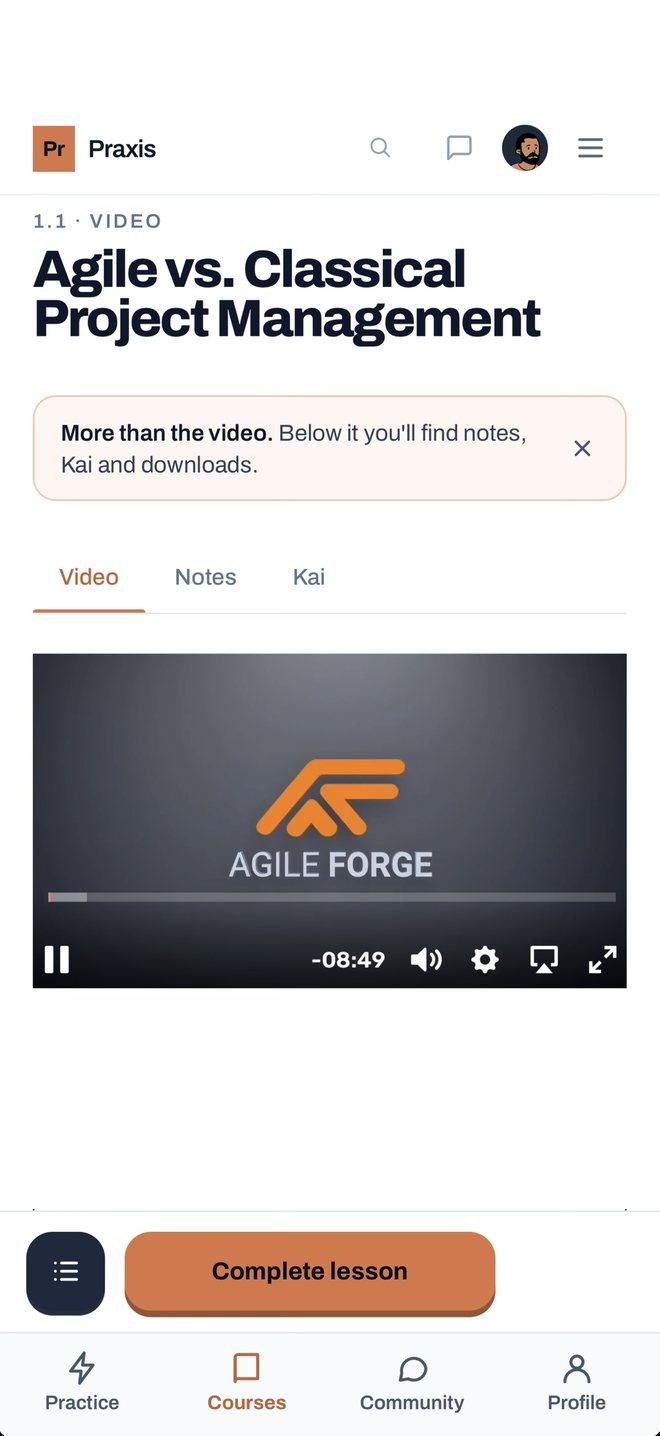
You do two things in the Praxis app. You practise: a practice session is a short case from everyday project work. You read a situation, pick one of three options and get the resolution: why one option works and what the other two miss. Three sessions a day are free, no account needed. And you learn: your courses run in the app too, on the same account. Start on the train, carry on at your desk.


For Android on Google Play and for iPhone on the App Store (Europe and the United Kingdom).
How a practice session starts
Situation
Your Daily Scrum has been running half an hour for weeks. Everyone reports to the Product Owner what they did yesterday, and hardly anyone talks to the rest of the team. What do you do first?
An example of a situation, written by us.
Practice sessions: what you get
- More than 100 practice sessions on Scrum and Kanban, scaled agile, PRINCE2® and hybrid delivery, ITIL® and IT service management, DevOps, AI in projects, the EU AI Act, leadership and stakeholders.
- Four formats: situations, knowledge cards, cases and conversations. In a case you write your own answer, and Kai, the AI learning assistant, gives you feedback. In a conversation Kai plays the other side.
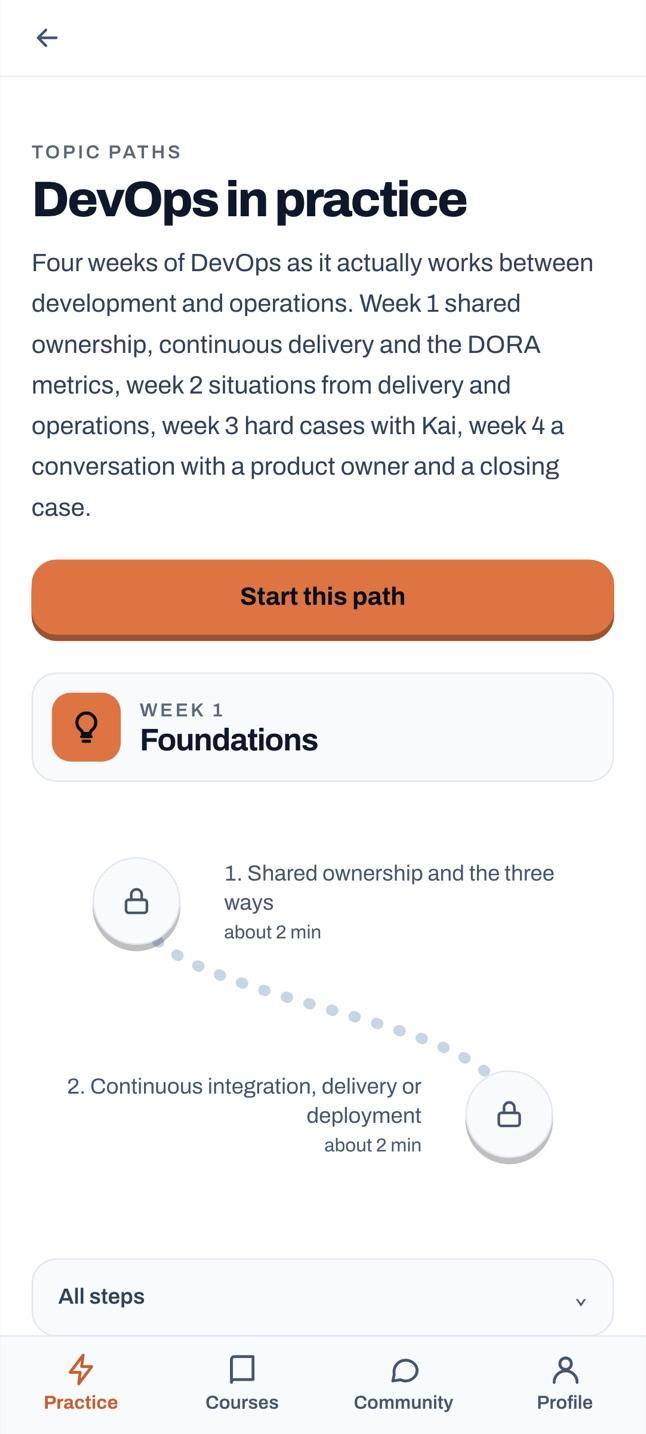
- Six topic paths: one topic over four weeks, four sessions a week in a fixed order.
- A weekly goal of 3, 5 or 7 sessions that you choose yourself. The app counts how many weeks in a row you reach it. No daily streak that breaks when you miss a day.
- A reminder at the time you choose, and only on days when the weekly goal is still open (with an account). Plus a home screen widget with the practice session of the day.
Your courses in the app
The courses in Praxis are the same in the app and in your browser, on one account. Buy a course in the app through the store or on the web; either way it is yours in both places.
- The course player: video lessons, texts, exercises and quizzes. In a lesson, Video, Notes and Kai sit side by side as tabs.
- Kai checks every submission against an assessment rubric fixed in advance and tells you what is missing. In conversation practice, Kai plays the other side.
- No connection, for example on the train: texts, exercises, materials and your notes are there offline too.
- Your progress and Kai's feedback are the same in the browser and in the app. Finish a course and you receive your certificate of completion.
Without an account, with one, with a course
Without an account you get up to three practice sessions a day, with a free account five, and once you own a course there is no limit. Written answers and conversations with Kai need a free account. With a free account Kai assesses up to three of them a day, with a course you bought up to ten. The app has no ads and no analytics.
Practice sessions do not replace a course
A practice session keeps knowledge fresh between projects. A course builds it: you work on a real case across several modules, and Kai reviews every submission against an assessment rubric set in advance.
See the coursesTry it for free
More in the blog: Praxis on your phone: one case a day, from Scrum to ITIL, on Android and iPhone