Promptwith a check section
Finding the risks nobody has named yet
When the risk register holds only the obvious entries and you want to know what is missing.
Resources
Prompts for recurring tasks, instructions for building your own agents and working templates as PDFs. All free.
In the order a project runs
Open or save the PDF. No account, no email address.
There is no plan to choose and no payment details to enter. The account is where the collection lives: it grows over time, and your results from the calculators are kept, so you can compare them three months from now.
Already working in Claude? Flow efficiency and business case are also available as a plugin in the Claude Directory: two skills that calculate with your numbers and show the formula. The plugin is free; you need access to Claude. View the plugin in Claude →
Before you start: pin down the mandate and the approach, find the risks and people you have missed, and test the business case.
When the risk register holds only the obvious entries and you want to know what is missing.
When the matrix is done and you want to know who you have misjudged.
Before the numbers reach a committee — and someone else finds the gap.
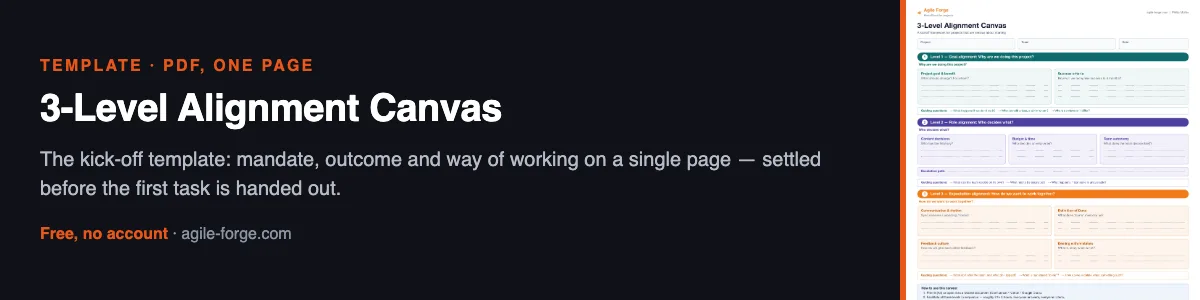
The kick-off template: mandate, outcome and way of working on a single page — settled before the first task is handed out.
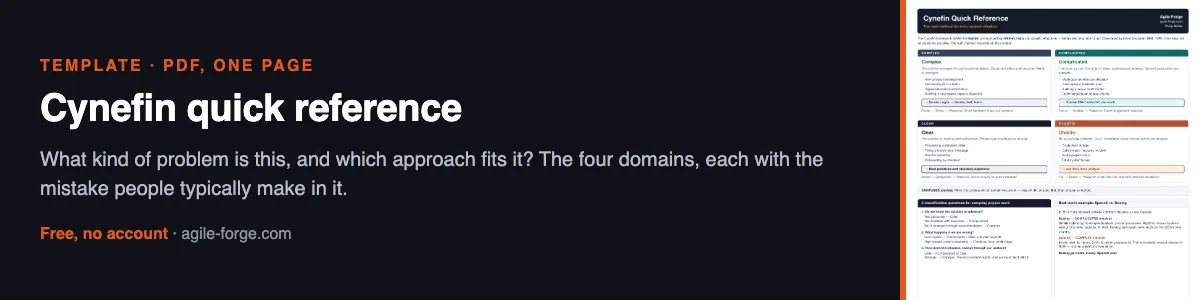
What kind of problem is this, and which approach fits it? The four domains, each with the mistake people typically make in it.
Before and during a workshop: set the guardrails and the agenda, sort what the room produced, and keep a record of what was decided.
The pile of cards from a brainstorm becomes named clusters, one decision question per cluster in objection form, and a list of what nobody has said yet.
"Just run a workshop" becomes a goal in one sentence, the questions to settle with the sponsor beforehand, and a run of timed blocks for the duration you actually have.
Photos of the walls and transcripts after every block become four running lists: decisions with objection and resolution, parking lot, open questions, and actions with a name and a date — plus a block-end summary somebody can check. This is the one for keeping the record as the session runs; if you would rather work through everything afterwards in a single pass, take the prompt "From the wall to a list of actions".
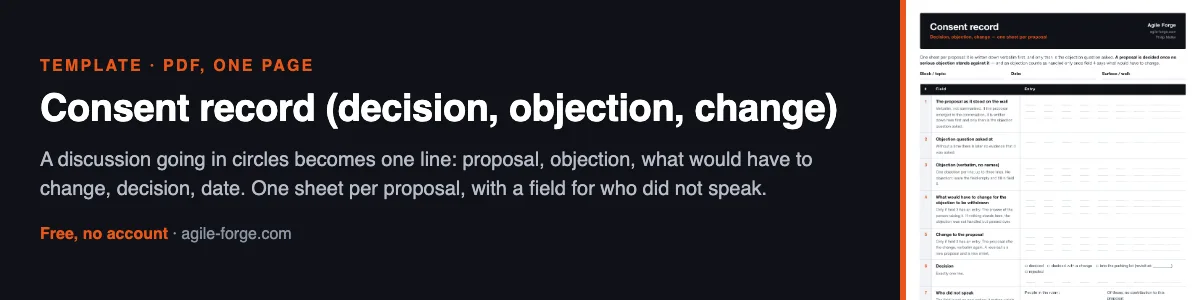
A discussion going in circles becomes one line: proposal, objection, what would have to change, decision, date. One sheet per proposal, with a field for who did not speak.
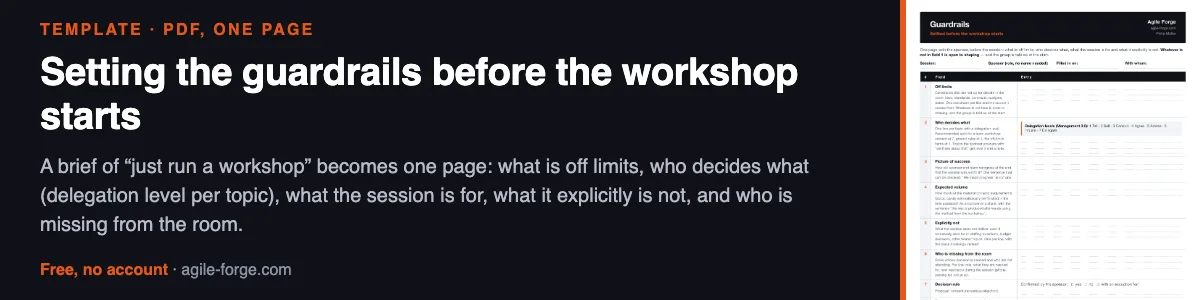
A brief of “just run a workshop” becomes one page: what is off limits, who decides what (delegation level per topic), what the session is for, what it explicitly is not, and who is missing from the room.
While the project runs: a status report the steering committee actually reads, and an escalation that gets a decision.
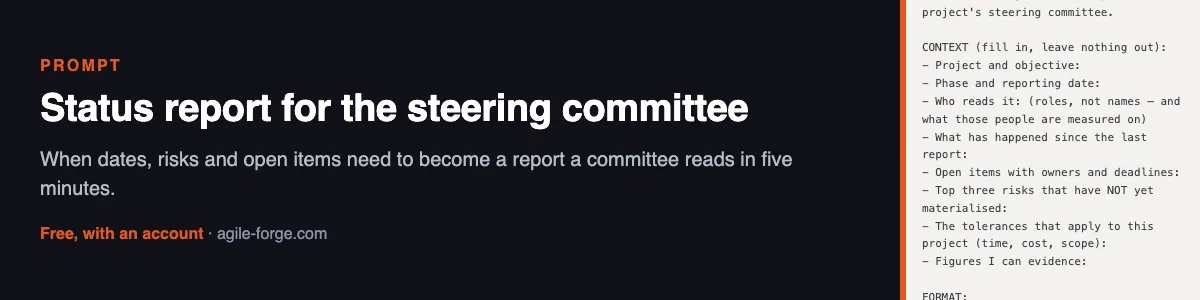
When dates, risks and open items need to become a report a committee reads in five minutes.
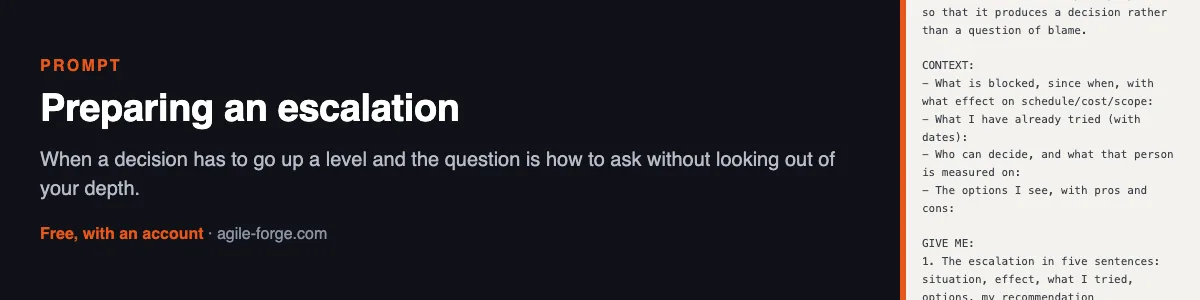
When a decision has to go up a level and the question is how to ask without looking out of your depth.
When the status report has the same shape every week and still starts from scratch every time.
Around go-live: check whether operations can take over, keep a log through hypercare, and agree how you will know it is over.
When go-live is getting close and nobody can say for sure whether operations can take over the result — before operational acceptance shows that it cannot.
When hypercare is in the project plan and nobody has yet said how you will know it is over.
For the hypercare period between go-live and project closure: turns incident tickets, minutes and notes into four running lists — incidents and who resolved them, questions that went back to the project team, known errors with their workarounds, and the status of the exit criteria. Plus a weekly overview that operations can check against the ticket system.
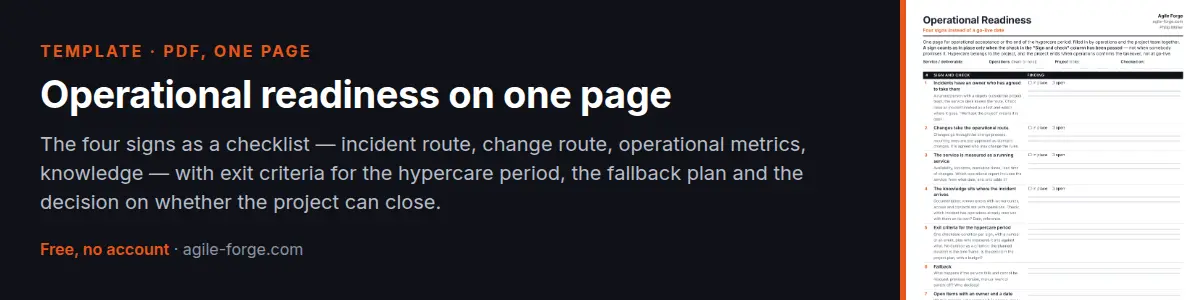
Before operational acceptance or at the end of the hypercare period: the four signs as a checklist — incident route, change route, operational metrics, knowledge — with exit criteria, the fallback plan and the decision on whether the project can close.
After a sprint, a workshop or at project close: retrospectives and lessons learned that end in actions with an owner and a date.
When recent retros produced a lot of notes and little change.
At project close — when the report would otherwise vanish into a folder.
Photos and transcripts taken after the session become actions with an owner and a date, kept apart from what was merely parked, plus a third list for everything that is neither. This is the one for working through it afterwards in a single pass — if you want the record kept as the session runs, take the guide "Workshop memory".